

Introduction
WooCommerce store ownership is a lot of fun! However, multicultural behind-the-scenes efforts can become a menacing list of chores to perform. If it is handling orders, checking inventory, doing SEO tweaks, or issuing invoices, these main tasks are sure time and energy eaters. So, you will soon feel the pinch if you are doing all of these tasks manually.
That’s where smart plugins step in.
We’ve curated 12 of the most powerful WooCommerce management plugins to help you automate routine tasks, cut down admin time, and focus on growing your business. Whether you’re an eCommerce manager, WordPress freelancer, or plugin reviewer, this list has something to make your Woo life easier.
Let’s dive in.
1. WooCommerce PDF Invoices & Packing Slips
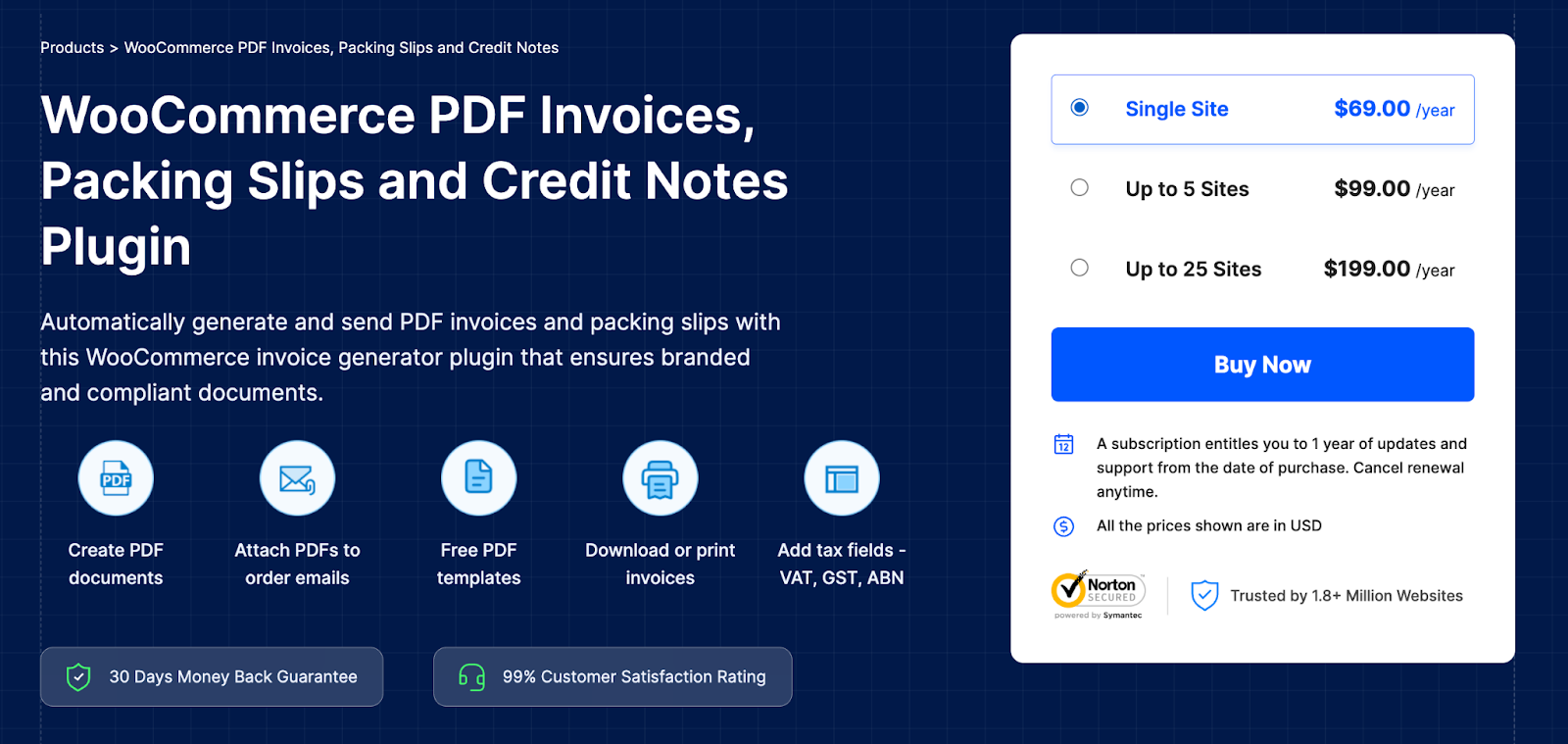
Managing invoices manually can be a repetitive and time-consuming task, especially if your store processes dozens or hundreds of orders every day. WooCommerce’s default setup doesn’t provide PDF invoices or packing slips out of the box, which creates extra work for store admins who need to send compliant documentation to customers or include printed invoices in shipments.
This WooCommerce PDF invoice and packing slips plugin takes care of all these for you. It generates polished-hued and professional PDF invoices and packing slips for each order and attaches them to email messages automatically.
It also provides the option of printing them in bulk in case you’ve got a few orders to contend with at one time. Creation of uniform and legally compliant documentation is a must for any B2B enterprise or those shipping goods internationally.
If you want your invoices to follow your branding style or need them to meet local tax legislation, then this plugin has a host of customization options for you. It can be trusted to make order fulfillment simpler and maintain invoice and delivery documents for a WooCommerce store.
Key Features:
- Automatically generates PDF invoices, packing slips, and credit notes for all orders
- Bulk print and email attachments are supported
- Customizable invoice templates with branding options
- Supports UBL and XML Invoices
- Customize invoices, packing slips, and credit notes
2. Yoast SEO
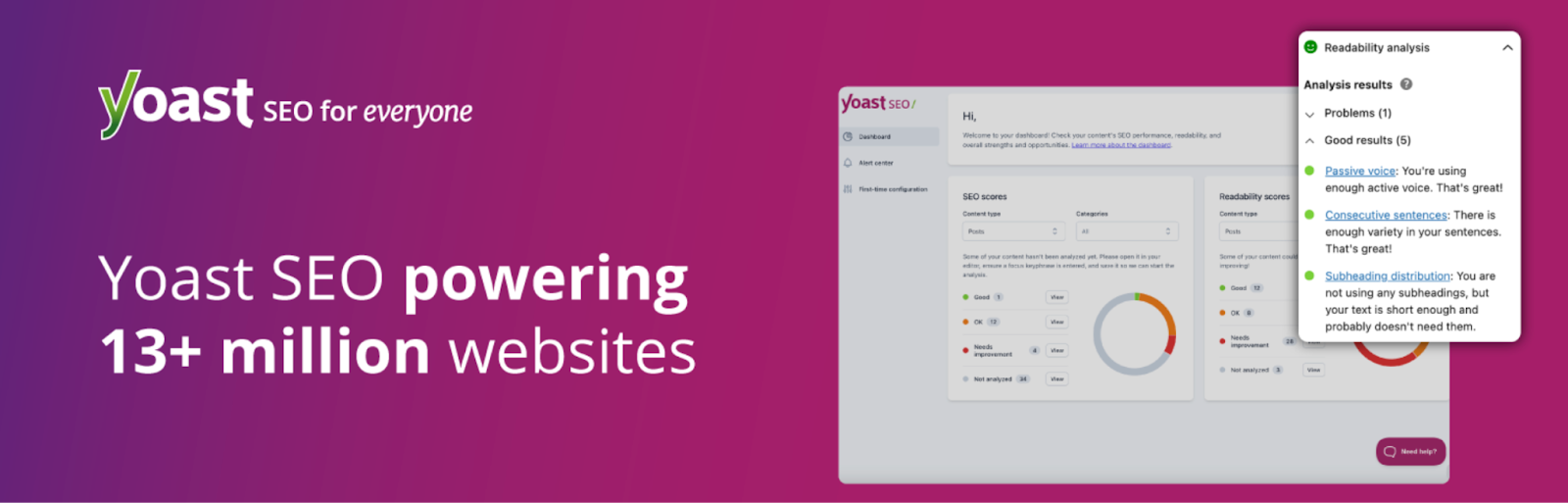
Search engine optimization is a definite need for a WooCommerce store, though many store owners are left with little time or lack the skills needed to do it. That’s where Yoast SEO comes to the rescue. It makes things so simple that it seems more like an easy step-by-step guide that you follow right in your WordPress dashboard.
Whether you’re optimizing product pages, blog posts, or category descriptions, Yoast provides real-time feedback on keyword usage, content structure, and readability.
For WooCommerce stores specifically, the plugin offers features that enhance product page visibility in search results, including structured data for rich snippets and better indexing.
The real benefit of Yoast SEO lies in its accessibility. Even if you’re not an SEO expert, you’ll be able to follow its suggestions and improve your content’s visibility.
It helps boost organic traffic by making sure your content aligns with how search engines and shoppers behave — without needing to dive into code or hire an SEO consultant.
Key Features:
- Real-time SEO suggestions inside WordPress
- Schema markup for enhanced rich results
- Breadcrumb navigation control and XML sitemaps
- WooCommerce-specific SEO support
3. Product Import Export for WooCommerce
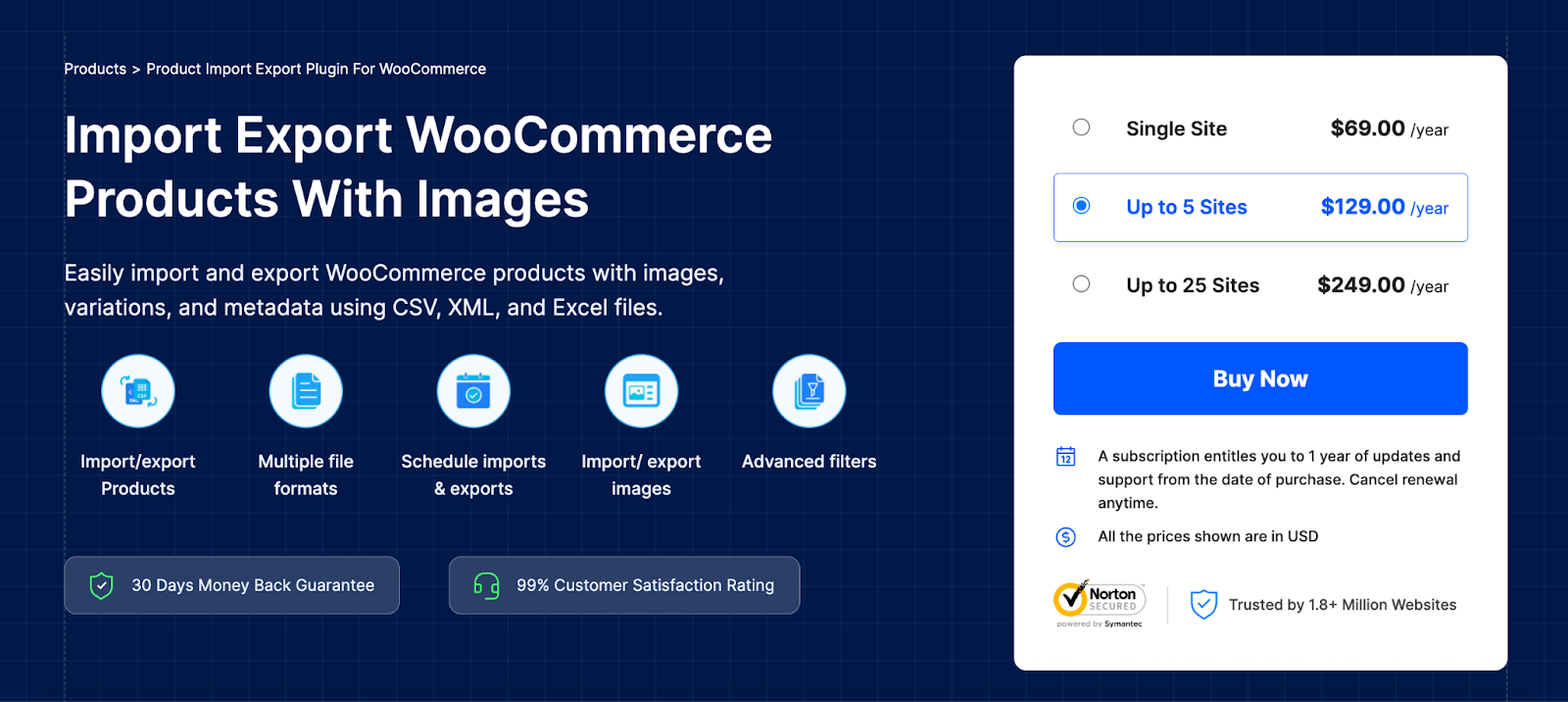
Keeping in hand large product catalogs or frequent product updates is quite impossible to do all manually, especially for WooCommerce store owners and managers. Hence, this Product Import Export plugin becomes extremely helpful, as it grants the user the import and export of product data to or from the store using CSV, XML, or Excel files with ease. Bulk alterations are a simple matter to accomplish.
Be it transferring data from a different platform or synchronizing any product updates with a supplier, this plugin really saves you time and prevents data entry errors.
You can import or export any type of product, including variations, custom meta, images, categories, and tags. It even features scheduled exports for automated workflows and backups.
Its ease of use makes it accessible for beginners, but it also includes developer-friendly options for more complex store setups, including multilingual sites or marketplace integrations. If you want full control over product data while reducing repetitive admin tasks, this product import export plugin is an invaluable tool.
Key Features:
- Import/export products, variations, images, categories, and metadata
- Supports CSV, XML, Excel, and TSV file formats
- Schedule exports for automated syncing or backups
- Compatible with multilingual and multi-vendor setups
4. Advanced Shipment Tracking for WooCommerce
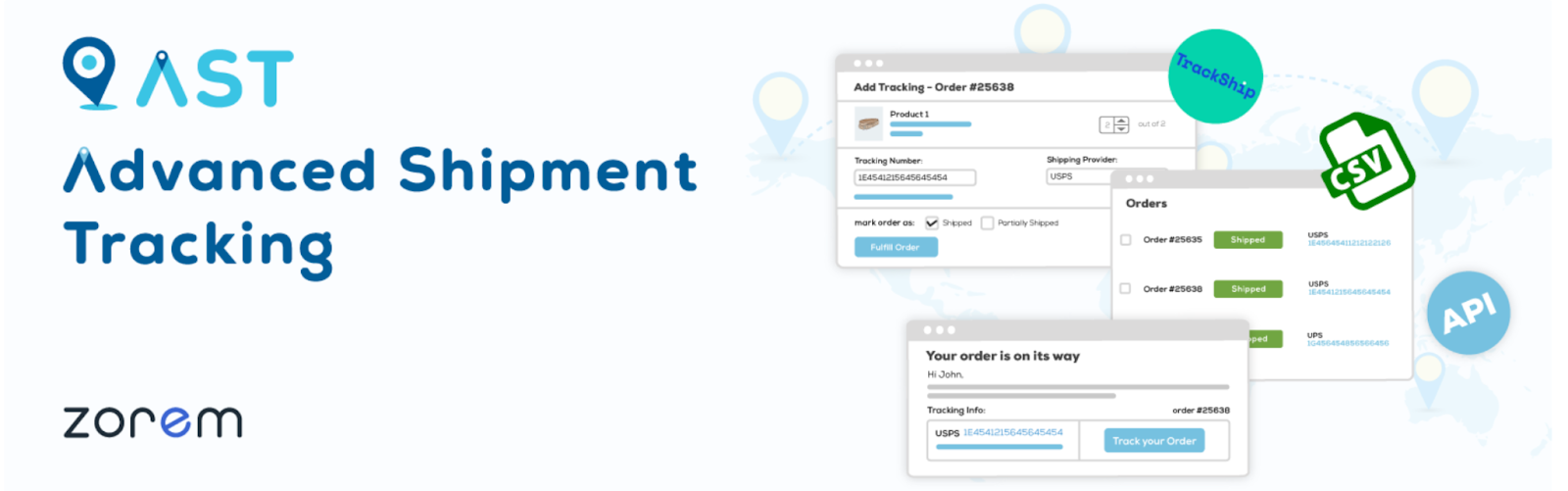
Once an order leaves your store, customer expectations shift to tracking and timely delivery. But WooCommerce alone doesn’t offer detailed shipment tracking out of the box. The Advanced Shipment Tracking plugin fills that gap by allowing store admins to add tracking numbers and carrier info directly into order details.
This plugin improves post-purchase communication by automatically sending tracking updates to customers via email. It supports dozens of global and local shipping providers, with predefined tracking URLs and carrier logos that enhance the customer experience. You can also customize the tracking display within customer dashboards.
By cutting down on the need for manual support tickets that ask, “Where’s my order?”, you can save your team countless hours of back-and-forth communication while keeping your customers in the loop and happy. This is particularly beneficial for businesses that deal with a high volume of shipping, international logistics, or work with multiple carriers.
Key Features:
- Add tracking numbers and carriers to WooCommerce orders
- Automatically notify customers with shipping updates
- Supports 300+ carriers worldwide
- Customizable tracking info and order status integration
5. Smart Coupons for WooCommerce
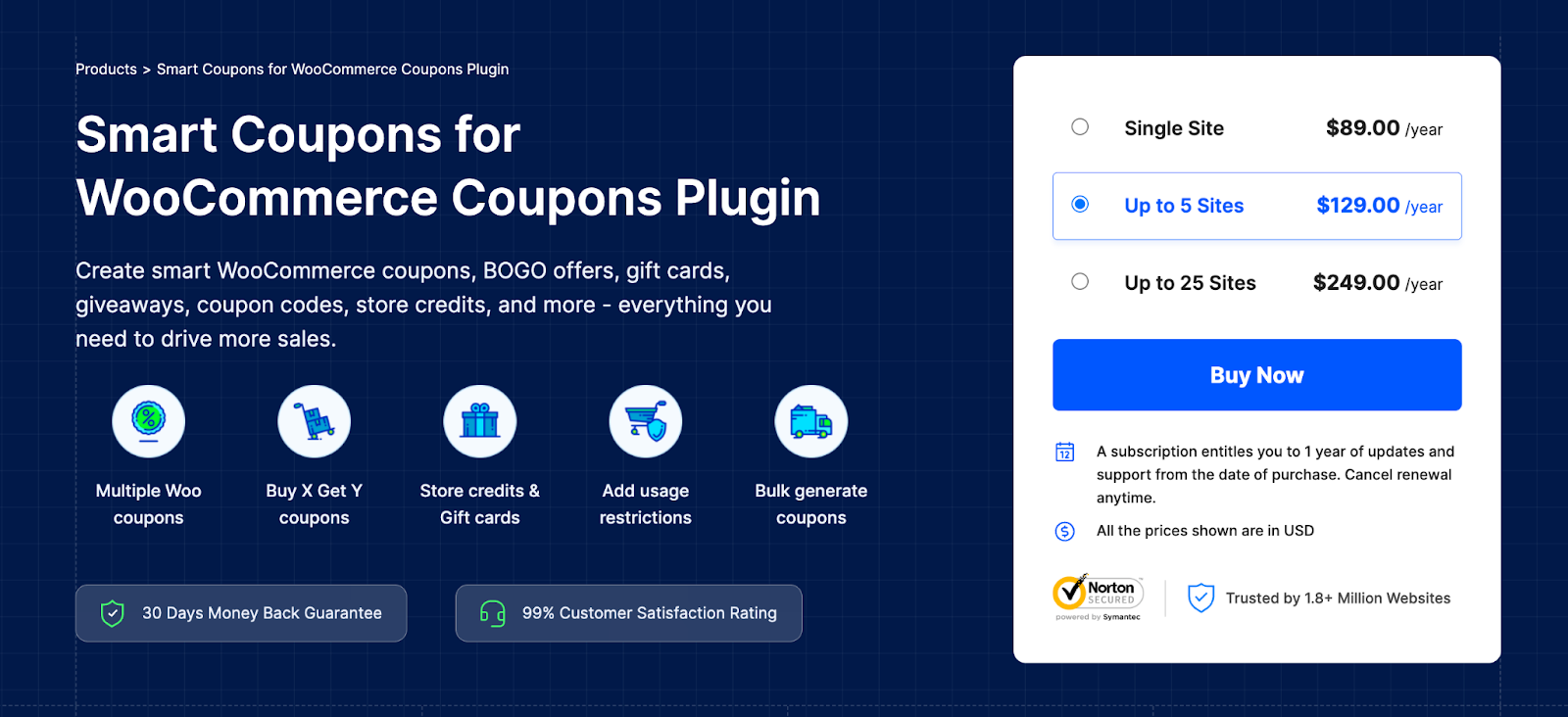
Discounts are a powerful sales tool, but WooCommerce’s built-in coupon system is pretty basic. Smart Coupons for WooCommerce enhances your marketing playbook with flexible coupon rules, automated promotions, store credit options, and advanced usage restrictions — all managed directly in your dashboard.
You have the ability to create BOGO offers and cart condition rules, as well as schedule discounts or auto-apply coupons at checkout, all without additional code. This platform is by and for marketers and store owners in setting up laser-focused promotions, converting sales, and raising average cart value.
Also, it supports a seamless export and import operation for coupons, which is so great for seasonal sales.
One of her features that separates Smart Coupons from the rest of the coupon tools is that she straddles the wonderful tightrope between power and ease of use. A novice can easily manage daily deals in the toolbox; however, lots of other advanced features are there for the power users who run big promotions.
If you are serious about WooCommerce marketing, then this smart coupons plugin should definitely be installed on your system.
Key Features:
- Create BOGO deals, cart discounts, and store credits
- Apply usage restrictions, schedules, and auto-apply settings
- Bulk import/export of coupon data
- Compatible with most themes and multilingual stores
6. GDPR Cookie Consent
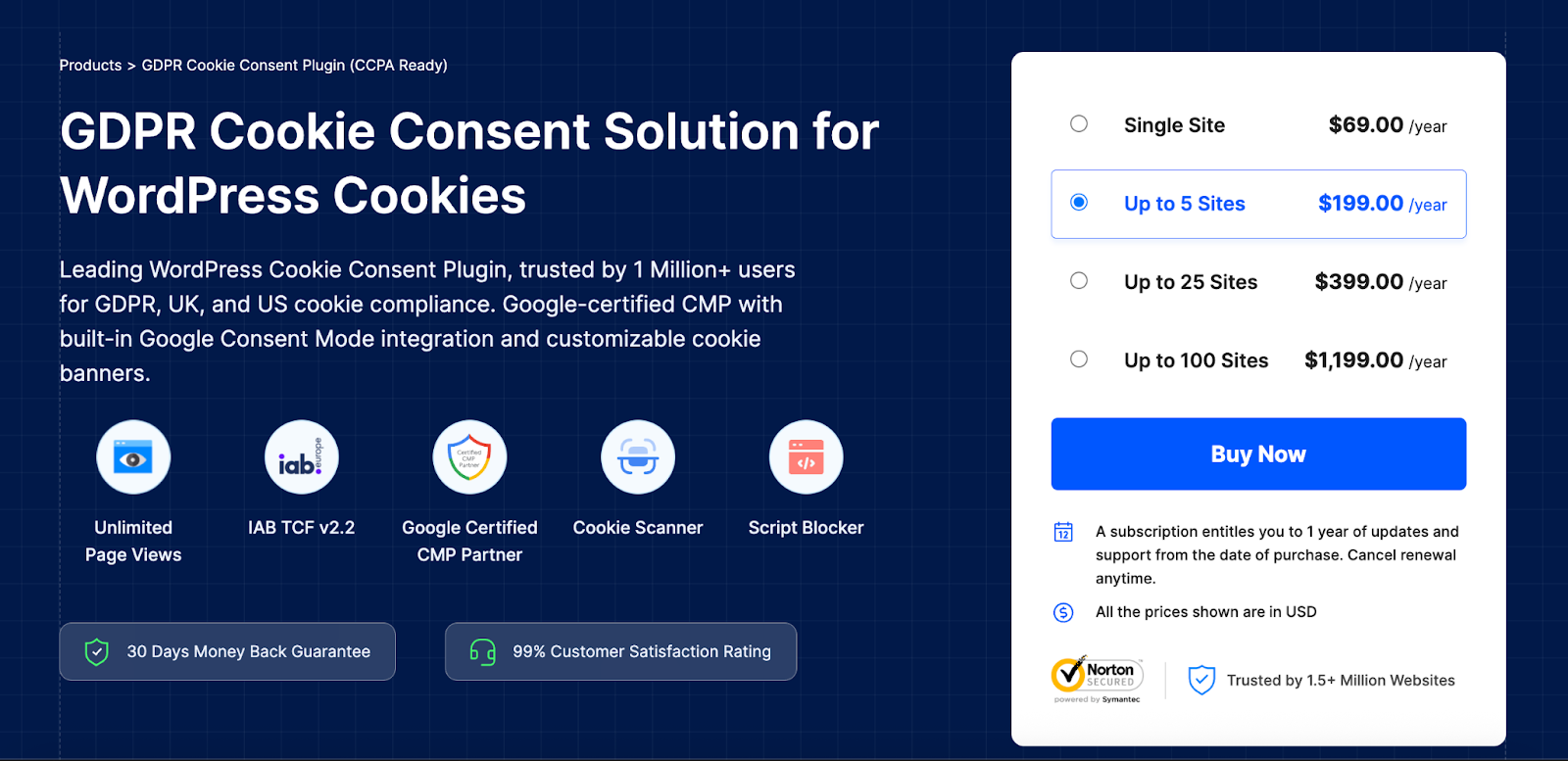
If your WooCommerce store treats customers from the EU, UK, or any other area with privacy laws, you should bear in mind that cookie compliance is a legal obligation. The GDPR Cookie Consent plugin by WebToffee serves as a simple and reliable interface through which the conditions can be satisfied without affecting the user experience or your analytics setup.
This plugin automatically displays a fully customizable cookie banner to visitors and gives them the choice to accept or reject specific types of cookies. It also blocks third-party scripts (like Google Analytics or Facebook Pixel) until consent is obtained, helping you stay compliant with laws like GDPR, CCPA, and LGPD.
For WooCommerce sites using ad networks or retargeting tools, this level of control is essential.
What really sets it apart is its easy integration with platforms like Google Tag Manager and Consent Mode v2. Whether you’re a solo entrepreneur or a developer managing compliance for multiple clients, this plugin simplifies the tricky technical and legal aspects of privacy regulations.
Key Features:
- Displays a customizable cookie consent banner with category-based opt-in
- Blocks non-essential cookies until consent is granted
- Integrates with Google Consent Mode and Tag Manager
- Supports multi-language and regional compliance requirements
- Google-certified CMP Partner
7. YITH WooCommerce Wishlist
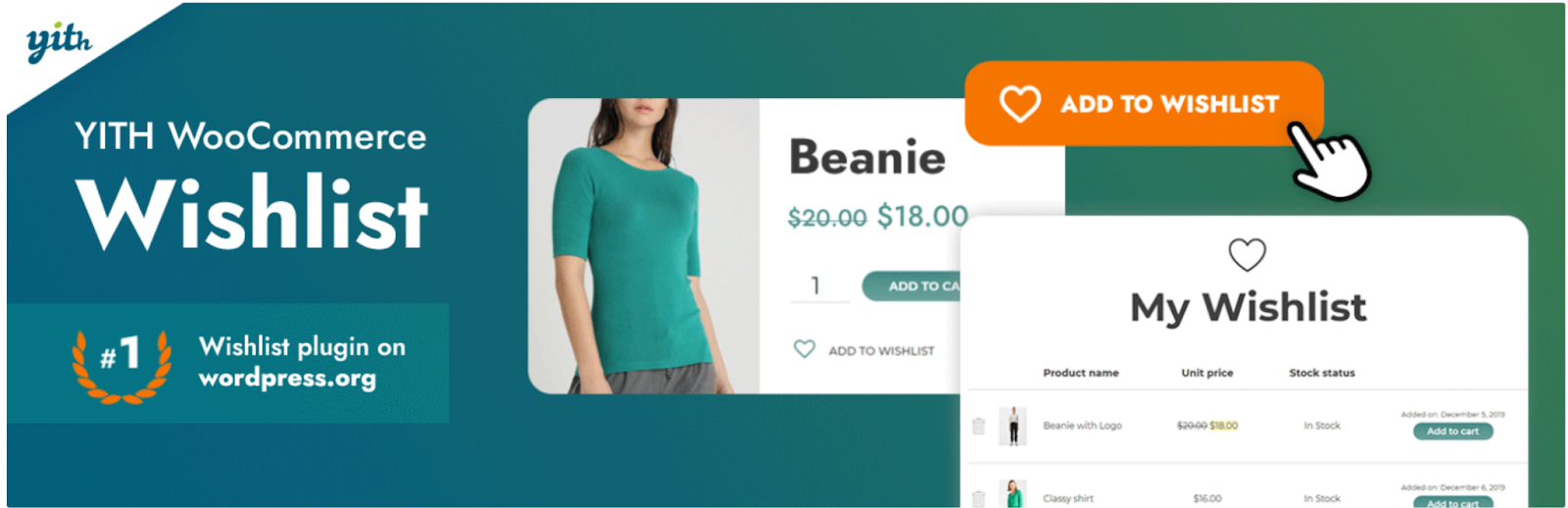
Much of the time, this involves browsers just perusing. Especially when they are browsing for gifts, comparing various products, or just planning a purchase in advance. YITH WooCommerce Wishlist tries to capitalize on this by enabling customers to save products and come back later, thus raising engagement and conversion.
The plugin makes the process of creating personalized wishlists for their products, sharing them with friends, or just reminding themselves about the purchase, very simple for the customer.
Simply put, it adds social and emotional value to your store, especially during holidays, weddings, or other times of running loyalty programs. The wishlist page can be customized all the way to fit your store branding.
From an administrative perspective, wishlists can provide excellent insight into what customers are interested in, in addition to what truly hot-selling products are.
This information may be used to evolve your stock, to present well-targeted promotions, or even to issue targeted offers to the customer. For businesses with large or seasonal catalogs, this plugin makes shopping easier and uplifts marketing opportunities.
Key Features:
- Add-to-wishlist button for products with custom styling
- Customers can manage, share, and revisit saved items
- Increases return visits and gift-purchase conversions
- Compatible with most WooCommerce themes and plugins
8. WooCommerce Email Automation App
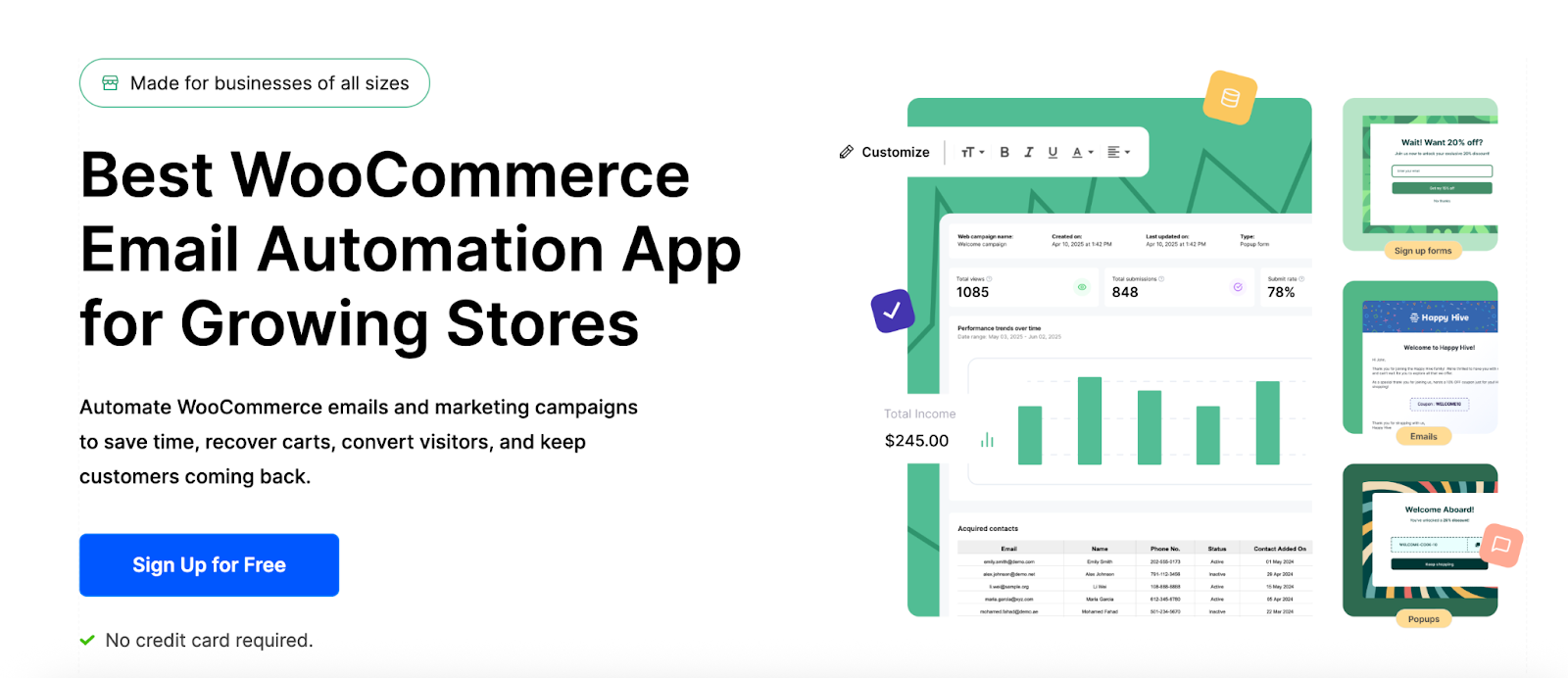
Email remains one of the most effective marketing tools for e-commerce, but setting up automated campaigns using third-party tools can be complex and expensive. This WooCommerce Email Automation App solves this by offering a built-in automation engine tailored specifically for WooCommerce.
With this WooCommerce email automation app, you can set up behavior-based flows like abandoned cart recovery, post-purchase thank-you emails, win-back campaigns, and more. Its drag-and-drop builder makes designing emails easy, even for non-designers. It works well as an email customizer.
Key Features:
- Pre-built email workflows for key customer journeys (cart, post-purchase, win-back)
- Drag-and-drop builder with personalization
- Segment customers based on order and browsing behavior
9. MonsterInsights
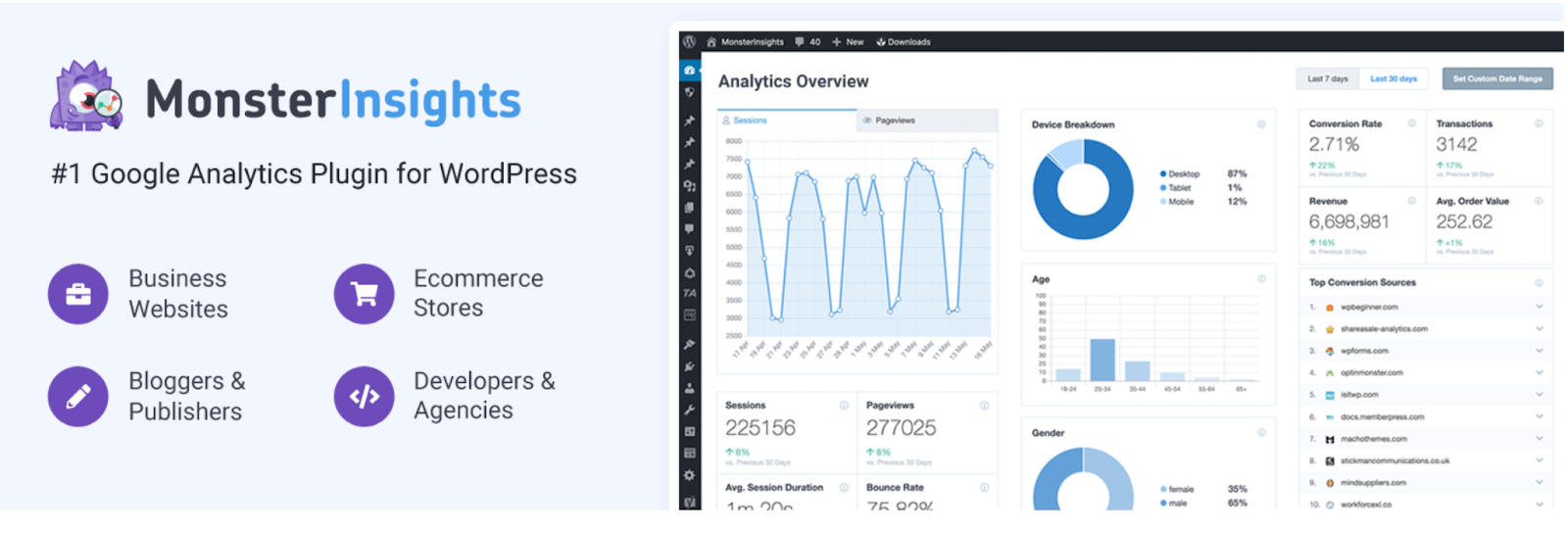
Getting a grip on how your customers interact with your WooCommerce store is essential for growth, but diving into advanced Google Analytics tracking can feel overwhelming. That’s where MonsterInsights comes in, making things a whole lot easier with its user-friendly interface that pulls vital eCommerce data right into your WordPress dashboard.
Once you’re all set up, the plugin lets you track enhanced eCommerce metrics like product views, cart additions, purchases, and even when customers drop off in the sales funnel, all without needing to write a single line of code. Store owners can check out real-time stats and detailed reports without having to log into Google Analytics.
This means quicker decision-making and smoother optimization of product pages and marketing campaigns.
Whether you’re running ads or analyzing product performance, MonsterInsights gives you the actionable data you need to scale. It’s particularly helpful for marketers who need conversion metrics but don’t have the time to become analytics pros. If data-driven decision-making is on your radar, this plugin is a great place to start.
Key Features:
- Enables Google Analytics Enhanced eCommerce tracking in one click
- Displays real-time stats and user behavior inside WordPress
- Track product views, cart activity, checkout drop-offs, and revenue
- GDPR-compliant with anonymization and consent features
10. Forminator Forms
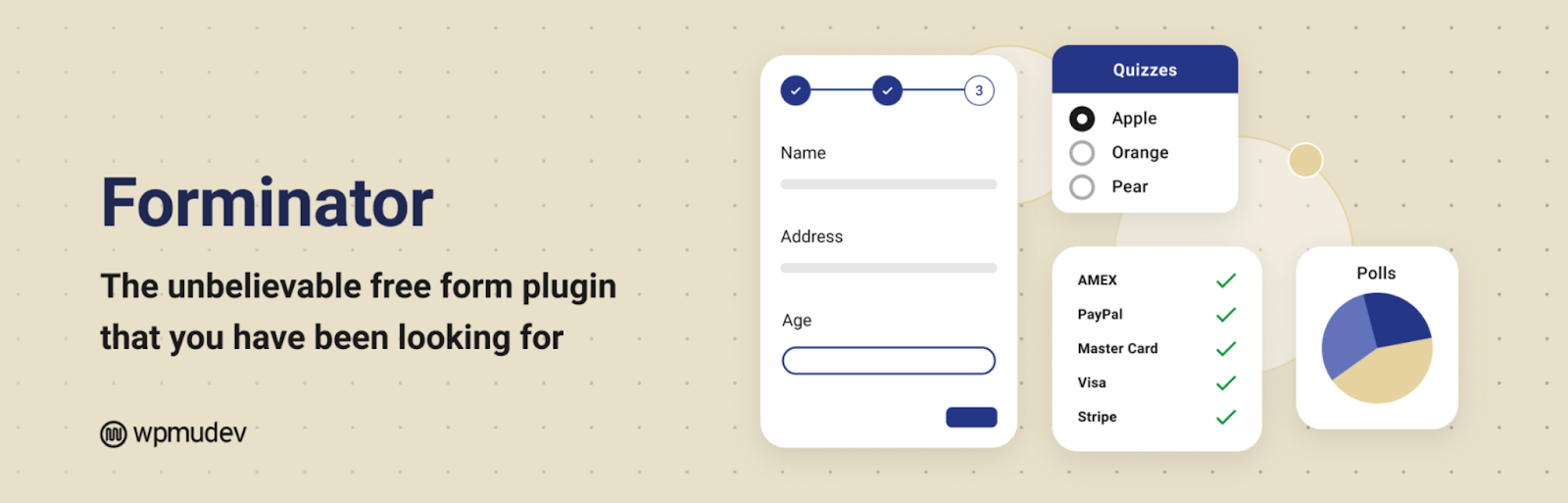
Forminator offers a powerful, drag-and-drop form builder that lets you create everything from contact forms and quizzes to surveys and polls without touching code.fCD
For WooCommerce store owners, Forminator becomes particularly useful for applications such as product customization forms, support request forms, and lead capture. It integrates with popular email marketing services, payment gateways such as Stripe and PayPal, and CRMs to connect the forms directly into your sales and support workflow.
Conditional logic allows you to tailor questions depending on an answer from the user, which really heightens the experience for the customer as well as the administrator.
With its sleek, modern interface and ease of use, Forminator is unique in the world of form builders and offers many basic conversions for free. Whether your membership store accepts pre-orders or you run contests, this plugin is a great tool for the easy gathering and processing of information.
Key Features:
- Drag-and-drop builder for forms, polls, and quizzes
- Conditional logic and calculation support
- Integrates with Stripe, PayPal, Mailchimp, and more
- GDPR-friendly with built-in consent checkboxes and spam protection
11. Mollie Payments for WooCommerce

If your WooCommerce store serves customers in Europe, Mollie is one of the most seamless and flexible payment gateways you can integrate. This plugin supports a wide variety of local and international payment methods, including credit cards, Apple Pay, Klarna, SEPA, Bancontact, and the Netherlands’ popular iDEAL system—all under one roof.
With its simple onboarding and fast approval process, Mollie allows store owners to start accepting payments almost instantaneously. Whereas some payment gateways are complicated or require developer attention, this plugin provides the plug-and-play simplicity most small businesses or startups need.
Additionally, it ensures full compliance with PSD2 and SCA, making sure that online payments in the EU are secure.
On the merchant side, Mollie provides a crisp transaction dashboard with payment updates in real-time and supports recurring payments, making it great for subscription-based WooCommerce setups.
When you want to offer European customers somewhat trusted, familiar payment methods without much hassle, Mollie should be on your shortlist.
Key Features:
- Accepts iDEAL, Klarna, Apple Pay, SEPA, credit cards, and more
- Fully PSD2/SCA compliant with 3D Secure support
- Quick setup and real-time payment status sync
- Ideal for European WooCommerce stores and recurring payments
12. Jetpack

Being seen as a do-it-all plugin for WordPress, Jetpack is, for WooCommerce store owners, the main utility for managing all the core backend essentials from one place. It offers a few other services, such as site security, performance, downtime monitoring, and backups, all the basic things your online store needs to stay up and running and secure.
In combination with WooCommerce, keep track of your inventory, view sales reports, and manage marketing tools like social sharing and email subscriptions.
Jetpack CDN also serves product images faster and lessens the load on your server, which is quite important for faster page loads and an enriched experience. This plugin guards against brute force threats and keeps things updated, all in the name of security.
While Jetpack’s high-end features pack more punch with the paid plans, even the free plan is worthy enough for newer stores or those that enjoy getting their hands dirty. It is for those who’d rather have it all in one toolkit than juggle with a bunch of different plugins for site maintenance and performance.
Key Features:
- Site security features like backups, scans, and brute force protection
- Performance tools, including CDN, image lazy loading, and caching
- WooCommerce-specific analytics and inventory sync
- Supports social sharing, downtime monitoring, and email subscriptions
Conclusion
The plugins we mentioned in this article aren’t just bells and whistles; they’re practical solutions designed to simplify the everyday grind of managing an online store.
Whether you’re looking to automate emails, improve SEO, streamline invoicing, or stay on top of analytics and privacy compliance, there’s a plugin in this list that can lighten your load in the e-commerce niche.
Start with the ones that solve your biggest pain points first. As your store grows, so will your toolkit — and these plugins can scale right alongside your ambitions. Simplify what you can, automate what you must, and focus your energy where it matters most: delighting your customers and growing your brand.
More Resources:
8 Must-Have Apps for Your Shopify Store
Shopify vs. WooCommerce: Which is Best for Your Business?



Vijay Kumar is a digital marketing expert and founder of TechZant.
He is passionate about helping businesses grow their online presence through SEO and data-driven strategies.